Customizing Heart Rate Zones
Set your max HR, resting HR, and threshold HR for accurate heart rate zone analysis.
Last updated: Jun 2026
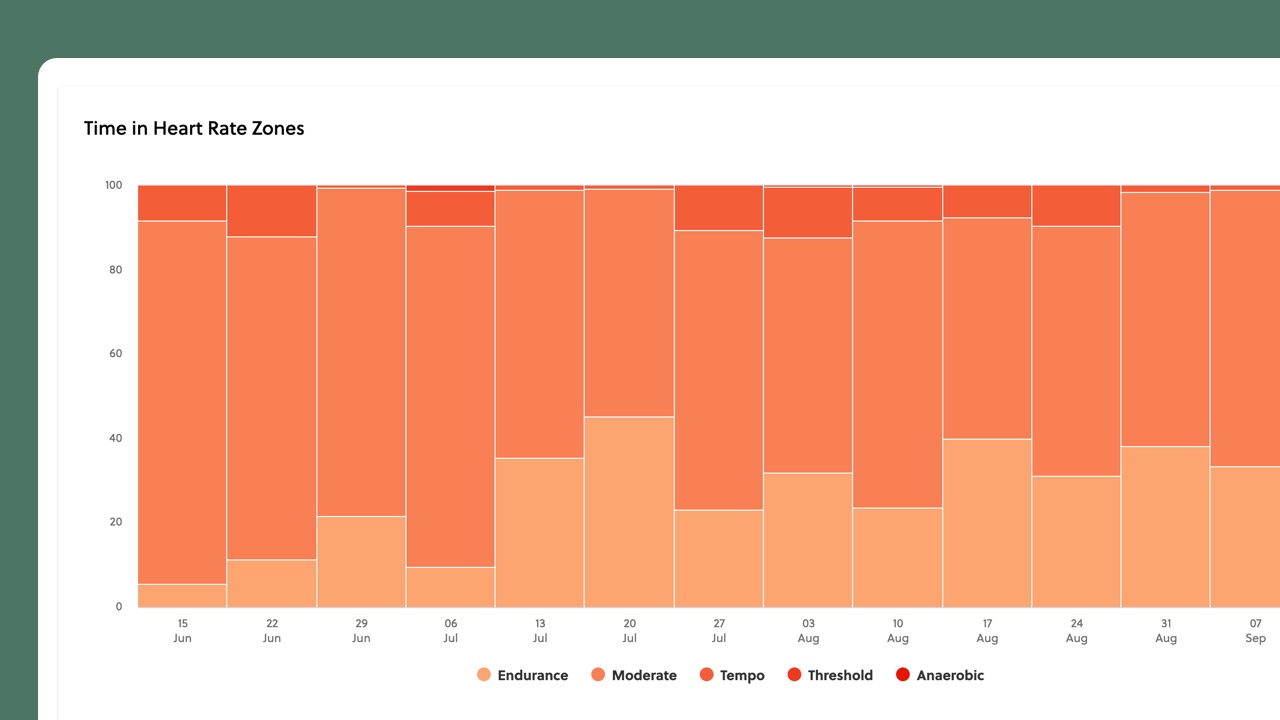
Not everyone's heart rate zones are the same. Setting your personal values — especially your threshold heart rate — makes all your HR-based analysis more accurate.
The key numbers
Go to Settings > Heart Rate to enter your max heart rate (the highest you've reliably recorded during an all-out effort — keep in mind that casual riding may never push you to your true max, so treat this as a best estimate), your resting heart rate (first thing in the morning before getting up), and your threshold heart rate (what you can sustain for about an hour at hard effort).
Finding your threshold HR
A common field test: warm up well, then ride as hard as you can sustain for 30 minutes. Your average heart rate over the last 20 minutes of that effort gives you a working estimate of your threshold. Pacing matters here — if you start too hard and fade, or hold back too much, the number will be off. It's an approximation, not an exact measurement, but it's a solid starting point.
Custom boundaries
FormBeat calculates default zone boundaries from your threshold heart rate, but you can adjust them manually in Settings if you prefer different definitions. You can also use our Heart Rate Zones Calculator to see your zones based on different methods.